
The Altimeter MicroSensor V3 instruction manual describes how to use this product
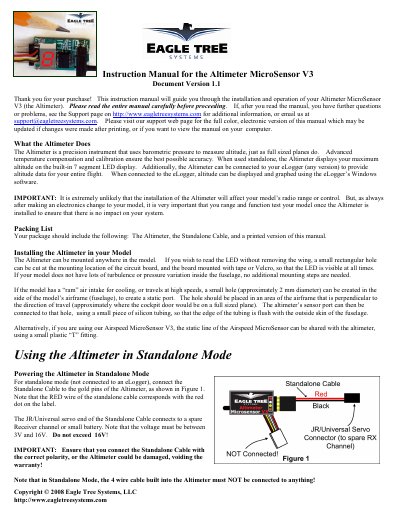
This manual provides instructions for the Eagle Tree Systems Altimeter MicroSensor V3, a precision instrument that measures altitude using barometric pressure. It details installation methods, including mounting the device and creating a static port for accurate readings. The guide explains how to configure the unit for standalone use with a 7-segment LED display or for data logging and graphing when connected to an eLogger.
| Altitude Range | 15000 Feet (4570 Meters) |
|---|---|
| Resolution | 4 Foot (1 Meter) |
| Power Input | 3V to 16V |
| Weight | 4 grams |
| Dimensions | 28 mm x 16 mm x 10 mm |
The factory default configuration is Feet.
Connect a wire jumper between the brown and yellow pins on the standalone cable connector while the unit is powered off, then power it on.
An altitude of at least 60 Feet (18 Meters) must be attained before a new highest altitude is displayed.