
This manual provides installation, operation, and specification instructions for the EAGLE EG457JQE-I/EG457JQE-II mechanical color-to-black camcorder.
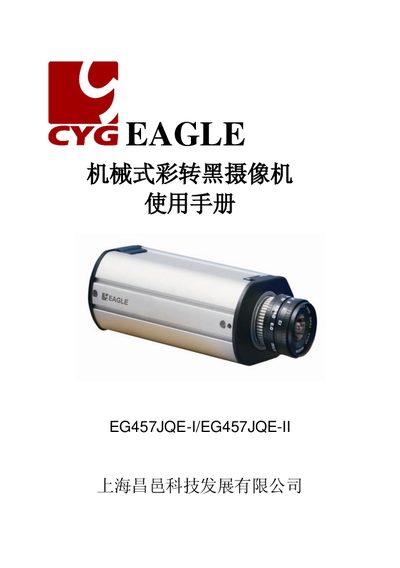
The EAGLE EG457JQE-I/EG457JQE-II is a mechanical color-to-black camcorder featuring an internal 1/3" CCD sensor with a resolution higher than 460/510 TVL. It includes features such as backlight compensation, automatic gain control, and automatic white balance. The device automatically switches from color mode during the day to high-sensitivity black and white mode at night. This manual is written in Chinese.
| CCD Sensor | 1/3" CCD |
|---|---|
| Resolution (Color) | Higher than 460 TVL |
| Resolution (B&W) | Higher than 530 TVL |
| Minimum Illumination | 0.25 Lux/F1.2/50IRE |
| Video Output | 1.0VP-P Composite Video, 75 Ohm |
| Power Consumption | 250mA / 4.5W |
| Operating Temperature | -10℃~50℃ |
| Product Dimensions | 72.4mm(w) ×50.4 mm (H)×119 mm (D) |
The camera automatically switches from color mode during the day to high-sensitivity black and white mode at night.
The EG457JQE-II model supports both DC12V and AC24V power inputs.
The camcorder uses a C/CS mount interface.