
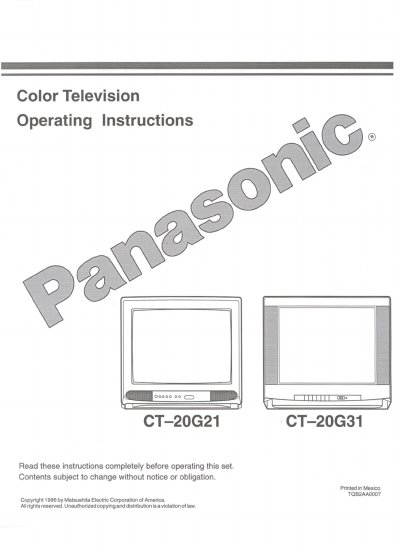
This manual provides operating instructions for the Panasonic CT-20G21 and CT-20G31 Color Television sets. It includes important safety warnings regarding electric shock and proper ventilation, as well as setup guidelines for power connections and antenna/cable inputs.
The document details the operation of the remote control unit, including volume, channel selection, timer features, and closed captioning functions. It also explains how to adjust picture settings such as brightness, contrast, and sharpness via the on-screen menu.
| Power Source | 120V, 60Hz, AC |
|---|---|
| Channel Capability (USA/CAN) | 181 channels |
| Video Input Jack | 1V p-p, 75 ohm, phono jack type |
| Audio Input Jacks | High impedance — 10K ohm, 500mV rms |
Unplug this television receiver from the wall outlet before cleaning. Do not use liquid or aerosol cleaners; use a damp cloth.
Be sure the antenna system is grounded to provide protection against voltage surges and built-up static charges.
Reduce brightness/contrast to a minimum viewing level, do not display fixed images for extended periods, and turn the power off when not in use.