
Panasonic CT-27D11/CT-27D11U/CT-27D21/CT-27D21U/CT-27D31/CT-27D31U/CT-2772S/CT-2772SU/CT-32D11/CT-32D11U/CT-32D31/CT-32D31U/CT-36D11/CT-36D11U/CT-36D31/CT-36D31U Manual

This manual introduces the operating instructions of the color television
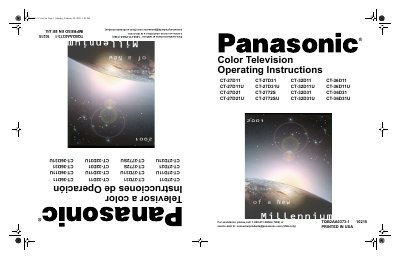

Panasonic CT-27D11/CT-27D11U/CT-27D21/CT-27D21U/CT-27D31/CT-27D31U/CT-2772S/CT-2772SU/CT-32D11/CT-32D11U/CT-32D31/CT-32D31U/CT-36D11/CT-36D11U/CT-36D31/CT-36D31U Manual - cover page
Brand
Panasonic
Category
Television
Document type
User Manual
Language
English
Pages
50
File format
PDF
File size
1.8 MB
Published
06 August, 2012
Updated
30 September, 2023
MD5 checksum
17791C705A491B008A4D59C853A3F933

About this manual

This manual provides operating instructions for a series of Panasonic color television models ranging from 27 to 36 inches. It details the setup process, including location requirements, power connections, and linking external equipment like VCRs and cable boxes. The guide also explains how to use specific features such as Picture-in-Picture (PIP), Closed Captioning, and various picture adjustments.

What's inside

  • Feature Comparison Chart
  • Care and Cleaning
  • Specifications
  • Installation
  • Television Location
  • Cable / Antenna Connection
  • Optional Equipment Connections
  • Main Menu Features
  • Troubleshooting Chart

Specifications

Power Source120V AC, 60Hz
Channel Capability181 channels (VHF-12; UHF-56; Cable-113)
Video Input Jacks1Vp-p, 75 Ohm, Phono Jack Type
Audio Input Jacks500mV RMS 47K Ohm

Frequently asked questions

Can I use a non-Panasonic stand for this TV?

No, specific models require the designated Panasonic stand to avoid instability and potential injury.

How do I change from Cable mode to Antenna mode?

Users must change the setting to Antenna Mode in the Setup Menu.

Download PDF (1.8 MB)

More Panasonic Manuals


View all Panasonic manuals →