
This is an operating manual that describes how to connect, operate and adjust the BT-H1700BP Multi-Format Monitor
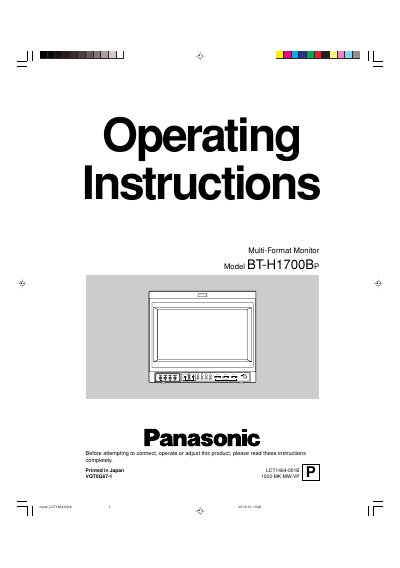
This document provides operating instructions for the Panasonic BT-H1700BP Multi-Format Monitor. It details safety precautions regarding high voltage and CRT usage, as well as handling guidelines to prevent damage from moisture or magnetic fields.
The manual describes the front panel controls, including knobs for picture adjustment (hue, chroma, brightness, contrast) and buttons for menu navigation and signal analysis functions like pulse cross and screen check. It also covers optional input cards and external control setups.
The unit requires a power source of 120 V AC, 50 Hz/60 Hz.
Turn the PHASE adjustment knob to the left for redder or right for greener pictures.