
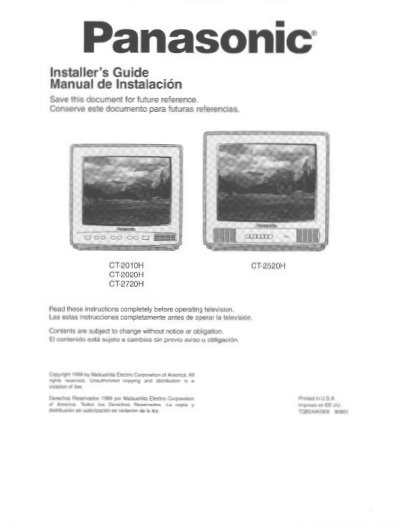
Panasonic CT-2010H/CT-2020H/CT-2720H/CT-2520H Installation Guide


Panasonic CT-2010H/CT-2020H/CT-2720H/CT-2520H Installation Guide - cover page
Brand
Panasonic
Category
Monitoring Equipment
Document type
Installation Guide
Language
English
Pages
16
File format
PDF
File size
665 KB
Published
06 August, 2012
Updated
06 August, 2012
MD5 checksum
87D406E572994DA61F85A3CDF7ACE5CF

About this manual

This document serves as an installer's guide for specific models of Panasonic commercial televisions. It covers essential setup tasks such as determining the correct television location, managing power supply cords, and attaching mounting brackets to the unit.

The guide details the operation of the front panel controls and remote control functions. A significant portion is dedicated to the 'Clone Box' feature, explaining how to configure a master television and upload or download settings (Learn/Teach) to other units in a commercial environment.

What's inside

  • Care and Cleaning
  • Installation
  • Television Location
  • Power Supply Cord
  • Adding Mounting Brackets
  • Location of Controls
  • Remote Control Guide
  • Main Menu Navigation
  • Clone Box Usage
  • Troubleshooting Guide

Specifications

Mounting holes quantityfour (4)
Screw size for mounting#10 screws

Frequently asked questions

What cleaning agents should not be used on the television screen?

Do not use abrasive cleaners or benzene, petroleum based products, thinner, or other similar solvents.

How many screws are required to mount the bracket to the television?

You must use four (4) size #10 screws to attach the mounting bracket.

What type of batteries are required for the remote control?

The remote control requires two AA batteries with matching polarity signs.

Download PDF (665 KB)

More Panasonic Manuals


View all Panasonic manuals →