
This document is the operation and programming manual for the ER-180T electronic cash register. The manual provides specifications and features of the electronic cash register, as well as cautions and safety precautions regarding the battery.
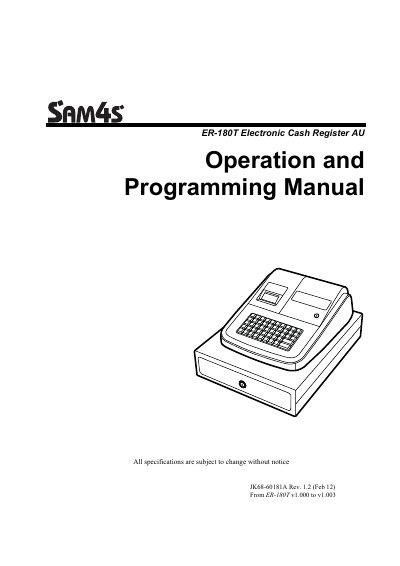
This document serves as the official operation and programming guide for the ER ER-180T Electronic Cash Register (AU version). It provides comprehensive instructions on unpacking, installing paper, and utilizing standard hardware features. The manual details basic functions such as clerk sign-on/off, item registration, department entry, PLU management, and various transaction types including cash, check, and charge sales.
| Keyboard positions | 48-position key with key cap keyboard includes 16 Department Keys |
|---|---|
| Fixed PLUs capacity | 500 PLUs |
| Preset Tax Rate | 10% GST |
| Rounding Method | Australian rounding |
The ER-180T is offered in two different versions: the standard ER-180T and the ER-180TDL.
The device supports 16 Departments.
The register comes preset with 10% GST.