
This manual introduces the features and operating methods of the SER-7000/7040 series
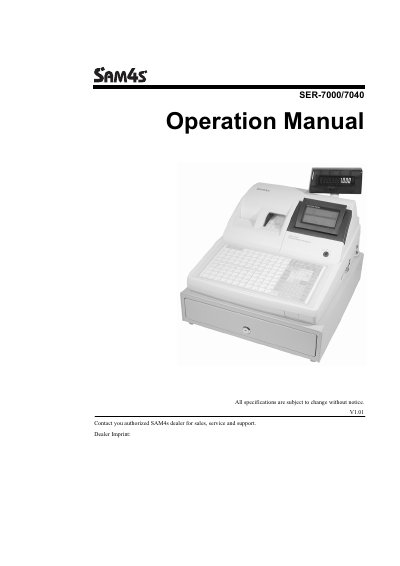
The SAM4S SER-7000 Series is offered in two versions: the SER-7000 features a flat 160-position spill-resistant keyboard ideal for food service environments, while the SER-7040 features a traditional raised-keyboard design suitable for retail stores. This manual covers operation sequences for both models.
| SER-7000 Keyboard Positions | 160-position keyboard with 107 NLU keys |
|---|---|
| SER-7040 Keyboard Positions | 90-position keyboard, expandable to 40 NLU keys |
| SER-7040 Standard NLU Keys | 15 NLU keys in standard configuration |
Yes, the SER-7040 standard configuration provides 15 NLU keys but can be expanded to 40 NLU keys.
The SER-7000 keyboard works best in restaurants, food service shops, or convenience stores where food is served.
The SER-7040 works best in retail stores, or shops where it is not necessary to place a large number of preset item keys on the keyboard.
In the standard configuration, the keyboard provides 15 NLU keys.