
Key facts
- Brand
- SAM4S
- Model
- ER-180
- Category
- Other Electronics
- Documents
- 2
- Languages
- EN
- Last added
- 2012-08-06
Start here
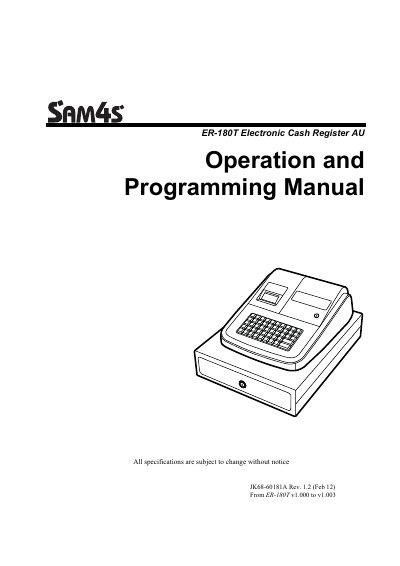
SAM4S ER-180T Electronic Cash Register AU Manual
This document serves as the official operation and programming guide for the ER ER-180T Electronic Cash Register (AU version). It provides comprehensive instructions on unpacking, installing paper, and utilizing standard hardware features. The manual details basic functions such as clerk sign-on/off, item registration, department entry, PLU management, and various transaction types including cash, check, and charge sales.
Read onlineSAM4S ER-180 specifications
| Keyboard positions | 48-position key with key cap keyboard includes 16 Department Keys |
|---|---|
| Fixed PLUs capacity | 500 PLUs |
| Preset Tax Rate | 10% GST |
| Rounding Method | Australian rounding |
All SAM4S ER-180 documents by type
Day-to-day operation, settings and troubleshooting. Start here if the product is already set up.
Questions answered in these manuals
What versions are available for the ER-180T?
The ER-180T is offered in two different versions: the standard ER-180T and the ER-180TDL.
How many departments can be managed on this register?
The device supports 16 Departments.
What safety precaution should be taken when servicing the cash register?
Always unplug the AC power cord from the AC power source before attempting to remove or reinstall any component or assembly.
From: SAM4S ER-180 Electronic Cash Register Operation and Programming Manual
What happens if batteries are not installed correctly?
An error message 'E Lo 0.00' will appear on the display after the power adaptor is plugged in.
From: SAM4S ER-180 Electronic Cash Register Operation and Programming Manual