
This manual introduces the SER-7000 series point-of-sale terminal's functions, including the composition of the point-of-sale terminal, initial settings, and operating methods.
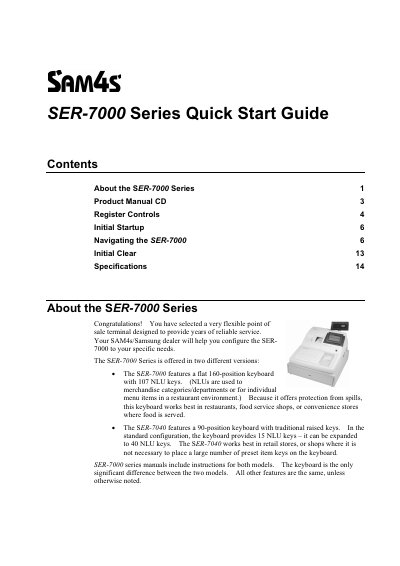
The document serves as a quick start guide for the SAM4S SER-7000 Series of point-of-sale (POS) terminals. It covers two specific models: the SER-7000, which features a flat 160-position keyboard suitable for food service environments, and the SER-7040, which has a traditional raised-keyboard with expandable NLU keys for retail use.
The guide details the initial setup process, including unpacking, loading receipt and journal paper, and connecting power. It also explains how to perform an initial memory clear, sign on employees, and navigate the default keyboard layouts provided for both models.
| SER-7000 Keyboard Type | Flat 160-position keyboard with 107 NLU keys |
|---|---|
| SER-7040 Keyboard Type | 90-position keyboard with traditional raised keys |
| SER-7040 NLU Keys (Standard) | 15 NLU keys, expandable to 40 |
| Battery Type | Rechargeable Ni-MH battery |
It works best in restaurants, food service shops, or convenience stores where spills are possible due to its spill-proof keyboard.
It is designed for retail stores where placing a large number of preset item keys on the keyboard is not necessary.
It must be left powered ON in REG mode for at least 24 hours to fully charge the Ni-MH battery.