
This manual is a user guide for Nokia 3230 mobile phone, introducing the phone's various functions and usage methods.
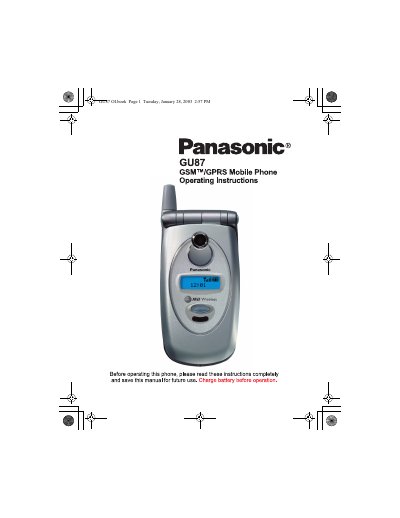
This manual provides operating instructions for the Panasonic GU87 GSM/GPRS mobile phone. It covers essential procedures such as installing the SIM card and battery, charging the device, and navigating the main menu options including Timers, Tools, Browser, Phonebook, Mall, Files, and Setup.
The guide details how to make and manage calls, use in-call options like voice dialing and caller ID alerts, and access various applications such as TETRIS, Herding Sheep, Voice Memo, and the Camera. It also explains settings for display, language, sounds, vibration alerts, and security features.
Yes, emergency (911) calls can be made regardless of lock setting and with or without a SIM card.
The specified operating temperature range is -22°F to +140°F (-30°C to +60°C).
From standby, press the center of the navigation key to open the main menu display.