
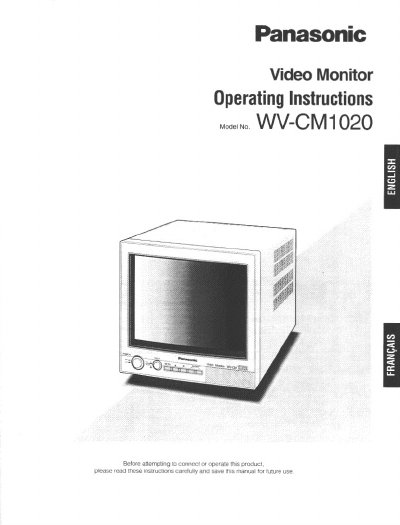
This document provides operating instructions for the Panasonic WV-CM1020 video monitor. It details the major operating controls, including the power switch, input signal selector, and menu navigation for adjusting picture settings such as brightness, contrast, and color. The manual also explains how to connect the monitor to cameras and other video sources.
| Screen Size | 250 mm (9-13/16") diagonal tube screen size |
|---|---|
| Visual Size | 223 mm (8-3/4") diagonal actual visual size |
| Horizontal Resolution | 300 TV lines at center |
| Power Source | 120 V AC 60 Hz |
| Power Consumption | Approx. 48 W |
| Ambient Operating Temperature | -10°C - +50°C (14°F — 122°F) |
| Dimensions | 220(W) x 220 (H) x 309(D)mm |
| Weight | 6.5 kg (14.3 Ibs.) |
The setup menu supports English, French, and Spanish.
The unit must not be operated in an environment where the temperature exceeds +50°C.
You must place the video monitor at least 5 cm apart from the wall.