
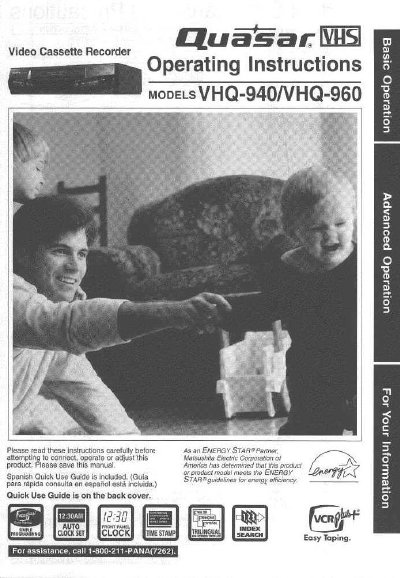
Quasar VHQ-940 Video Cassette Recorder Operating Instructions


Quasar VHQ-940 Video Cassette Recorder Operating Instructions - cover page
Brand
Panasonic
Category
Monitoring Equipment
Document type
User Manual
Language
English
Pages
44
File format
PDF
File size
1.9 MB
Published
06 August, 2012
Updated
30 August, 2012
MD5 checksum
D00495D0227CB73D7AB4997E14FA7F04

About this manual

This manual provides operating instructions for the Quasar WS VHQ-940 and VHQ-960 Video Cassette Recorders. It includes safety precautions, basic connections to TV or antenna systems, and initial setup procedures such as language selection and clock setting.

The guide details various tape operations including playback with slow motion or still pictures, recording modes like one-touch recording, and advanced features such as timer recording using the VCR Plus+ system. It also covers special functions for Hi-Fi stereo systems on the VHQ-960 model.

What's inside

  • Important Safeguards
  • Basic Connections
  • Loading the Batteries
  • One Time VCR Setup
  • Playback and Recording
  • Timer Recording
  • VCR Plus+ System
  • Tape Operation Features
  • Cleaning the Unit
  • Specifications

Specifications

Product TypeVideo Cassette Recorder
Compatible ModelsVHQ-940, VHQ-960

Frequently asked questions

What is the phone number for assistance?

Call 1-800-211-PANA(7262) for assistance.

Where is the serial number located?

The serial number is on the tag located on the back of your VCR.

Download PDF (1.9 MB)

More Panasonic Manuals


View all Panasonic manuals →