
This document provides important information about a Panasonic digital cellular phone. The phone supports GSM networks and GPRS data connections, and advises users to ensure the battery is fully charged before use.
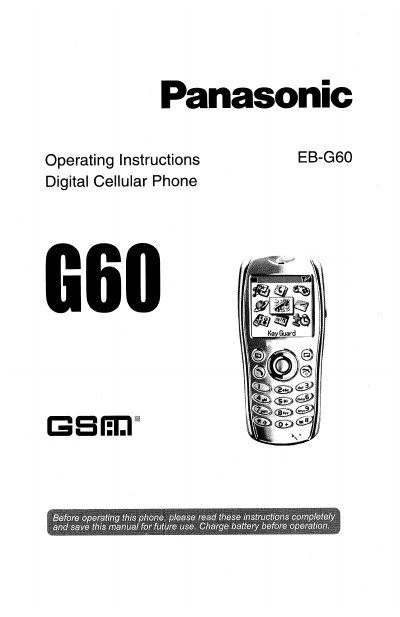
This manual provides comprehensive operating instructions for the Panasonic EB-G60 digital cellular phone. It covers essential topics such as fitting the SIM card and battery, charging procedures, and basic phone operations like making and ending calls. The guide also details how to use the phonebook, send and receive SMS/EMS messages, and manage call information.
| Network Support | GSM900 or GSM1900 |
|---|---|
| Data Support | GPRS |
| Battery Temp Range | +5°C and +35°C |
The serial number can be found on the outside of the phone under the battery.
It is advised not to use the equipment at a refuelling point and never expose the battery to extreme temperatures in excess of 60°C.