
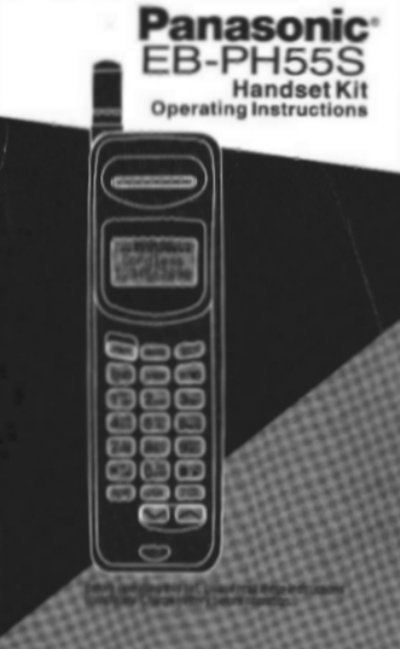
Panasonic EB-PH55S Handset Kit Operating Instructions


Panasonic EB-PH55S Handset Kit Operating Instructions - cover page
Brand
Panasonic
Category
Cell Phones
Document type
User Manual
Language
English
Pages
95
File format
PDF
File size
1.1 MB
Published
06 August, 2012
Updated
06 August, 2012
MD5 checksum
620FCE4843CAEC28D96FAEF67A8CE20F

About this manual

This manual provides operating instructions for the Panasonic EB-PH55S Handset Kit. The handset can function as a cordless phone using the base station, a wireless in-building extension, or a standalone cellular phone. It automatically scans for available systems in the order of Cordless, In-Building, and Cellular.

What's inside

  • Phone Operation Overview
  • Getting Started
  • Handset Overview
  • Registering the Handset
  • Cordless Mode
  • Cellular Mode
  • In-Building Mode
  • Operation Modes
  • Additional Features
  • Important Safety Instructions

Specifications

Battery Capacity700 mAh NiCd
Battery ModelEB-BM60
Charger ModelEB-CA10
Handset ModelEB-PHSS

Frequently asked questions

What is the order in which the handset scans for systems?

The handset scans for systems in the following order: 1. Cordless, 2. In-Building, 3. Cellular.

How do I end a call?

Press the red button (End) to terminate the call.

What happens if the handset is out of range during a conversation?

You will hear noise. You should move into range of the base station or end the call.

Download PDF (1.1 MB)

More Panasonic Manuals


View all Panasonic manuals →