
This document is the operating instructions for Panasonic TH-42PX20 TH-50PX20 high-definition plasma television
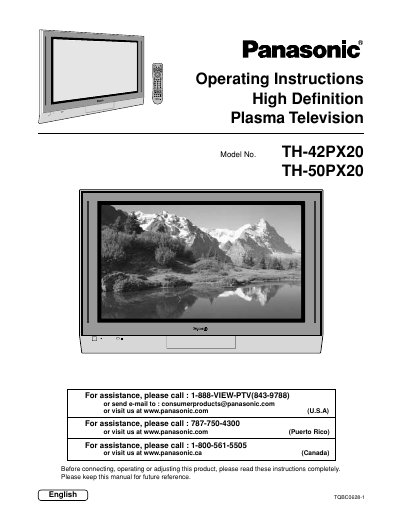
This document provides operating instructions for the Panasonic TH-42PX20 and TH-50PX20 High Definition Plasma Television. It includes important safety warnings, installation guidelines, and instructions for connecting various external devices such as VCRs, cable boxes, and PCs. The manual details how to use the front control panel and the illuminated remote control to adjust picture and audio settings.
| Product Type | High Definition Plasma Television |
|---|---|
| Models Covered | TH-42PX20, TH-50PX20 |
Do not allow a still picture to be displayed for an extended period, as this can cause a permanent after-image to remain on the Plasma Television.
No, you should clean the television only with a dry cloth and not use liquid cleaners or aerosol cleaners.
Do not block any ventilation openings and do not install near heat sources such as radiators or stoves.