
Panasonic TH-42PHW5/TH-50PHW5 Plasma Display Operating Instructions

This is a user manual for Panasonic high-definition plasma display TH-42PHW5, TH-50PHW5
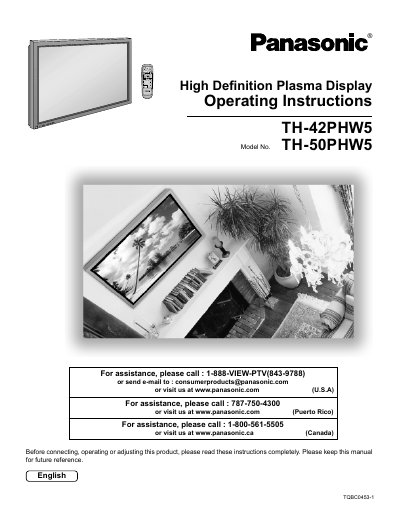

Panasonic TH-42PHW5/TH-50PHW5 Plasma Display Operating Instructions - cover page
Brand
Panasonic
Category
Television
Document type
User Manual
Language
English
Pages
40
File format
PDF
File size
718 KB
Published
03 August, 2012
Updated
30 September, 2023
MD5 checksum
93B56D16A9B96CE50AAE9F0DBB003D86

About this manual

This manual provides operating instructions for the Panasonic TH-42PHW5 and TH-50PHW5 High Definition Plasma Displays. It includes safety precautions, setup guidelines, and instructions for connecting various input signals such as AV, Component/RGB, and PC inputs. The document also details how to use the remote control for power management, input selection, and on-screen menu adjustments.

What's inside

  • Important Safety Instructions
  • Accessories
  • Basic Controls
  • Connections
  • Power ON/OFF and Input Signal Selection
  • Surround Controls
  • Picture Adjustments
  • On-Screen Menu Display
  • Troubleshooting
  • Specifications

Specifications

Power Supply120 V AC, 50/60 Hz

Frequently asked questions

What should I do if I detect smoke or an abnormal odor from the Plasma Display?

Unplug the power cord immediately and have the Display evaluated at an Authorized Service Center.

Can I leave a still picture displayed for an extended period?

No, doing so can cause a permanent after-image to remain on the display.

Download PDF (718 KB)

More Panasonic Manuals


View all Panasonic manuals →