
This document is the operating instructions manual for the TH-42PH11UK and TH-50PH11UK models of high definition plasma displays. It provides detailed guidance on connecting, operating, and adjusting the product. Users are advised to read these instructions completely before using the product and keep this manual for future reference, if necessary.
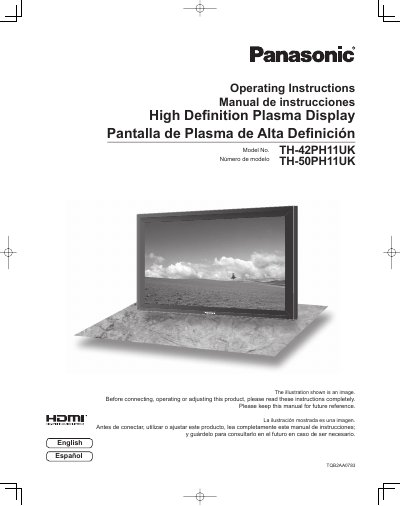
This manual provides operating instructions for the Panasonic TH-42PH11UK and TH-50PH11UK High Definition Plasma Displays. It includes important safety instructions, FCC compliance statements, and a guide to using the device's features. The document covers initial setup, connecting various input signals such as HDMI, PC, and Component, and adjusting picture and sound settings. It also details the use of the remote control, including ID functions and weekly command timers, as well as troubleshooting common issues.
| Product Type | High Definition Plasma Display |
|---|
Consult an electrician for replacement of the obsolete outlet.
No, doing so can cause a permanent image retention to remain on the Plasma Display.