
Panasonic TH-50PHW3 High Definition Plasma Display Operating Instructions

This manual describes how to connect, operate and adjust the TH-50PHW3 high-definition plasma display.
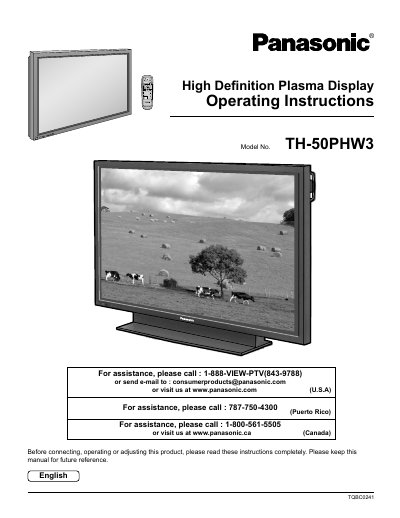

Panasonic TH-50PHW3 High Definition Plasma Display Operating Instructions - cover page
Brand
Panasonic
Category
Television
Document type
User Manual
Language
English
Pages
36
File format
PDF
File size
784 KB
Published
03 August, 2012
Updated
01 October, 2023
MD5 checksum
AB8A27746654E4B2077B1CFE79DDCBE6

About this manual

This manual provides operating instructions for the Panasonic TH-50PHW3 High Definition Plasma Display. It includes important safety information regarding electrical hazards, ventilation requirements, and proper installation to prevent damage or injury.

The guide details how to connect various input sources such as speakers, AV terminals, tuners, component/RGB inputs, PC inputs, and serial ports. It also explains how to power the unit on/off, select input signals, adjust picture and sound settings via the on-screen menu, and troubleshoot common issues.

What's inside

  • Important Safety Instructions
  • Accessories
  • Basic Controls
  • Connections
  • Power ON/OFF and Input Signal Selection
  • On-Screen Menu Display
  • ASPECT Controls
  • PICTURE Adjustments
  • SOUND Adjustment
  • Troubleshooting

Specifications

Power Supply120 V AC, 50/60 Hz

Frequently asked questions

What should I do if the plug does not fit into my outlet?

Consult an electrician for replacement of the obsolete outlet.

Can I place containers with water above the display?

No, do not expose this appliance to rain or moisture and do not place containers with water above it.

What happens if a still picture is displayed for an extended period?

A permanent after-image may remain on the High Definition Plasma Display.

Download PDF (784 KB)

More Panasonic Manuals


View all Panasonic manuals →