
Panasonic TH-42PX500U/TH-50PX500U Plasma Television Operating Instructions

This manual introduces the basic operations of the Panasonic TH-42PX500U and TH-50PX500U models of digital high-definition plasma televisions, including connection, operation, and adjustment.
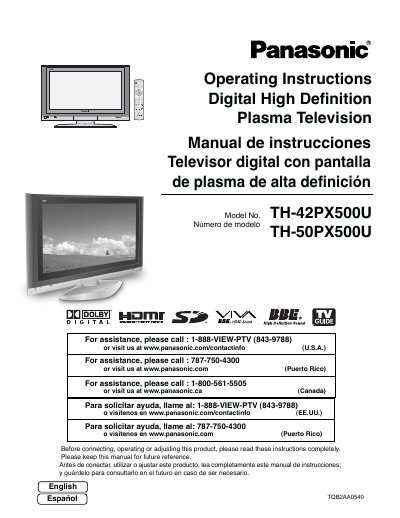

Panasonic TH-42PX500U/TH-50PX500U Plasma Television Operating Instructions - cover page
Brand
Panasonic
Category
Television
Document type
User Manual
Language
English
Pages
193
File format
PDF
File size
5.1 MB
Published
03 August, 2012
Updated
30 September, 2023
MD5 checksum
B7E9369CAB8EC725E3E17FE1866A4498

About this manual

This manual provides operating instructions for the Panasonic Digital High Definition Plasma Television models TH-42PX500U and TH-50PX500U. It covers safety precautions, installation steps including antenna and cable connections, remote control usage, and initial setup procedures. The guide also details how to navigate on-screen menus for picture, audio, timer, and TV Guide settings.

What's inside

  • Important Safety Instructions
  • Cleaning and maintenance
  • Installation
  • Connection
  • Power ON / OFF
  • The Main Unit
  • First time setup
  • Watching TV programs
  • On-Screen Menu Displays
  • Specifications

Frequently asked questions

What is the product and what type of television does it represent?

This manual covers the Panasonic TH-42PX500U and TH-50PX500U, which are Digital High Definition Plasma Televisions.

What specific safety precaution should be taken regarding still images?

You must not allow a still picture to be displayed for an extended period because it can cause a permanent afterimage on the screen.

What is the required minimum spacing between the television and other peripheral devices?

The manual requires you to maintain at least 40 cm of spacing from other peripheral devices.

Download PDF (5.1 MB)

More Panasonic Manuals


View all Panasonic manuals →