
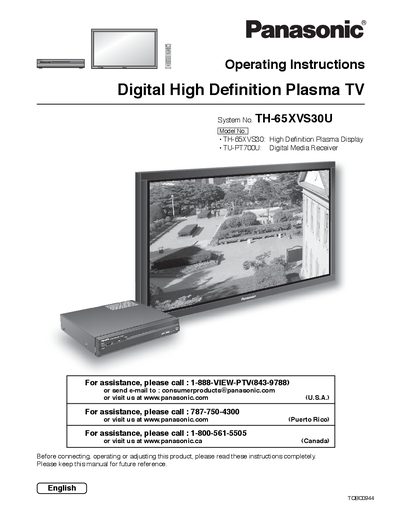
This document provides operating instructions for the Panasonic TH-65XVS30U Digital High Definition Plasma TV. It includes important safety information, installation guidelines, and connection details for various external devices such as VCRs, DVD players, and PCs.
The manual guides users through initial setup procedures, including remote control battery installation and first-time configuration. It also covers menu navigation for adjusting picture and audio settings, setting the clock and timer functions, and managing channel programming.
| Product Type | Digital High Definition Plasma TV |
|---|---|
| System Number | TH-65XVS30U |
Do not allow a still picture to be displayed for an extended period, as this can cause a permanent after-image to remain on the Plasma Television.
The nameplate for the Receiver is located on the bottom of the product.