
Panasonic TY-TP42P8-S/TY-TP50P8-S Touch Panel Operating Instructions

This document is about the operating instructions of TY-TP42P8-S and TY-TP50P8-S touch panels
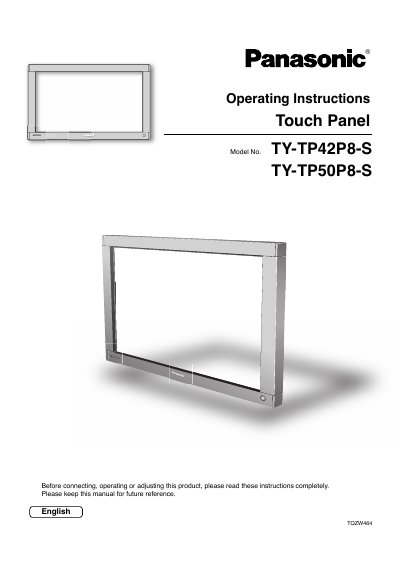

Panasonic TY-TP42P8-S/TY-TP50P8-S Touch Panel Operating Instructions - cover page
Brand
Panasonic
Category
Other Computer Accessories
Document type
User Manual
Language
English
Pages
36
File format
PDF
File size
1.6 MB
Published
03 August, 2012
Updated
30 September, 2023
MD5 checksum
8CB12EF6B427DB2FB8006CEADD9413F0

About this manual

This manual provides operating instructions for the Panasonic TY-TP42P8-S and TY-TP50P8-S touch panel units designed for use with plasma displays. It covers safety warnings, setup locations, and maintenance procedures to ensure correct operation of the optical touch system.

What's inside

  • Warnings and precautions
  • Cautions when in use
  • Setup location
  • Maintenance
  • Accessories
  • Attachment of the touch panel
  • Connection between computer and display
  • Installation of USB driver
  • Setup the Program
  • Troubleshooting

Specifications

Product TypeOptical Touch Panel
InterfaceUSB
Compatible DisplayPlasma Display

Frequently asked questions

What should I do if liquid gets inside the touch panel?

Unplug the USB cable and contact your dealer immediately to prevent fire or electric shock.

Can I use the touch panel in direct sunlight?

No, direct sunlight contains infrared rays that may interfere with the optical touch panel operation.

How often should I clean the infrared transmissive area?

You should clean the infrared transmissive part once every day using a soft dry cloth.

Download PDF (1.6 MB)

More Panasonic Manuals


View all Panasonic manuals →