
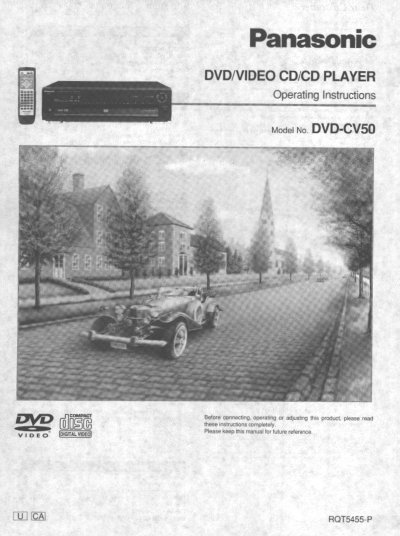
Panasonic DVD-CV50 DVD Player Operating Instructions


Panasonic DVD-CV50 DVD Player Operating Instructions - cover page
Brand
Panasonic
Category
Video Player
Document type
User Manual
Language
English
Pages
48
File format
PDF
File size
2.2 MB
Published
03 August, 2012
Updated
03 August, 2012
MD5 checksum
566EB19D4035B9F7AEDA297E0F8BB116

About this manual

This manual provides operating instructions for the Panasonic DVD-CV50 DVD/Video CD/CD Player. It details the included accessories, safety precautions, and initial setup steps such as connecting the AC power supply cord and audio/video cables. The guide explains how to use the remote control and navigate the unit's various playback modes.

What's inside

  • Getting Started
  • Safety Information
  • Remote control preparations
  • Basic Operations
  • Advanced Operations
  • Home Theater
  • Troubleshooting Guide
  • Specifications

Specifications

Product TypeDVD/VIDEO CD/CD PLAYER
Model NumberDVD-CV50

Frequently asked questions

What is the model number of this product?

The model number is DVD-CV50.

What temperature range should be maintained for this DVD player?

The unit must not be placed in temperatures less than 5 °C (41 °F) or greater than 35 °C (95 °F).

How much clearance is required behind the unit for ventilation?

You must allow 10 cm (4") of clearance from the rear of the unit.

How long should you wait if moisture forms inside the unit?

Turn on the power and wait about one hour for the moisture to evaporate.

Download PDF (2.2 MB)

More Panasonic Manuals


View all Panasonic manuals →