
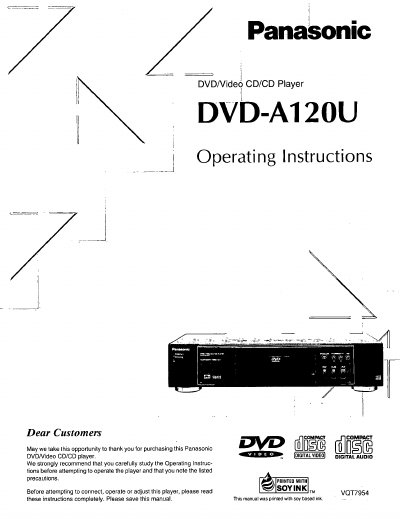
This document provides operating instructions for the Panasonic DVD-A120U DVD/Video CD/CD Player. It details how to use the device's various functions, including its high-quality audio and video capabilities such as the 96 kHz/24 bit audio D/A converter and dts digital output. The manual also explains features like Advanced Virtual Surround Sound (VSS), multi-language support for audio and subtitles, and parental lock settings.
| Power Supply | AC 120 V, 60 Hz |
|---|---|
| Video D/A Converter | 10 bit |
| Audio D/A Converter | 96 kHz/24 bit |
| Region Number | 1 |
Yes, you can enjoy high quality digital surround sound from dts discs by connecting a compatible decoder.
This player can only be used where the power supply is AC 120 V, 60 Hz.
If moisture forms inside this player, it may not operate properly. In this case, turn on the power and wait about one hour for the moisture to evaporate.
This player can store a maximum of 5 positions in memory, for convenient access as desired.