
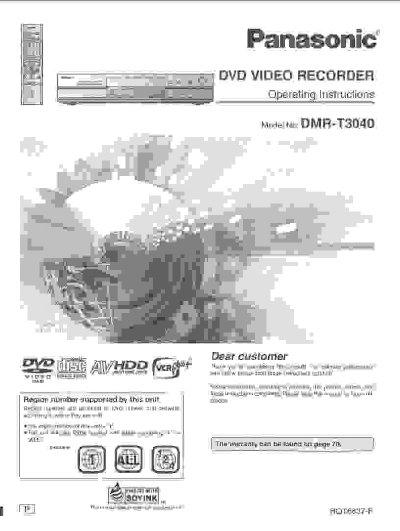
Panasonic DMR-T3040 DVD Video Recorder Operating Instructions


Panasonic DMR-T3040 DVD Video Recorder Operating Instructions - cover page
Brand
Panasonic
Category
Digital Video Recorder
Document type
User Manual
Language
English
Pages
72
File format
PDF
File size
3.1 MB
Published
03 August, 2012
Updated
03 August, 2012
MD5 checksum
9442E02ED0D67453E20B7D9C2EB654DE

About this manual

This document provides operating instructions for the Panasonic DMR-T3040 DVD Video Recorder. It includes important safety warnings regarding the internal hard disk drive (HDD), such as avoiding vibration, extreme temperature changes, and moisture to prevent damage. The manual also details the included accessories and initial setup steps.

What's inside

  • Important Safety Instructions
  • Getting Started
  • Accessories
  • HDD Precautions
  • Condensation Warning
  • Data Safeguards

Frequently asked questions

What precautions are needed when moving this DVD recorder?

You must turn the power OFF, unplug the AC cord, and wait two minutes before moving the unit.

How long should the unit run to adjust to room temperature after a sudden change?

Leave the power on for approximately two hours to allow the unit to adjust to the room temperature.

What happens if a power failure occurs during recording or playback?

Contents in the process of playback/recording as well as already recorded, saved or dubbed HDD contents may be damaged.

Download PDF (3.1 MB)

More Panasonic Manuals


View all Panasonic manuals →