
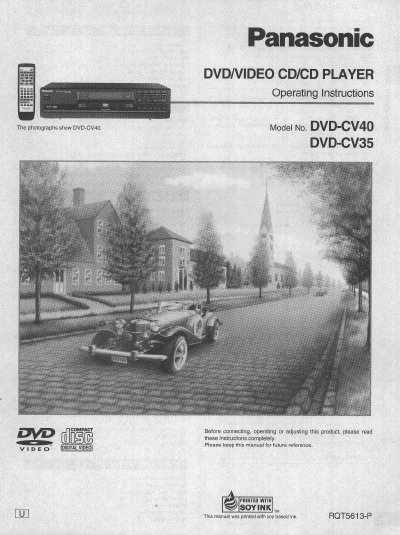
Panasonic DVD-CV40/DVD-CV35 Operating Instructions


Panasonic DVD-CV40/DVD-CV35 Operating Instructions - cover page
Brand
Panasonic
Category
Video Player
Document type
User Manual
Language
English
Pages
44
File format
PDF
File size
1.8 MB
Published
03 August, 2012
Updated
03 August, 2012
MD5 checksum
4D93DF0462FCE16FCA5581EC49B967D1

About this manual

This document provides operating instructions for the Panasonic DVD-CV40 and DVD-CV35 DVD/Video CD/CD players. It details the included accessories, safety information, and precautions for proper use. The guide explains how to connect the unit to a television and audio equipment, as well as how to use the remote control.

What's inside

  • Accessories
  • Safety Information
  • Precautions
  • Remote Control Preparations
  • Connection to a Television
  • Basic Play
  • Advanced Operations
  • Troubleshooting Guide
  • Specifications

Specifications

Product TypeDVD/VIDEO CD/CD PLAYER

Frequently asked questions

What are the model numbers covered in this manual?

This manual covers the DVD-CV40 and DVD-CV35 models.

How long should you wait for condensation to evaporate after moving the unit?

You should turn on the power and wait about one hour for the moisture to evaporate.

What clearance is required from the rear of the unit for ventilation?

You must allow 10 cm (4") clearance from the rear of the unit.

Download PDF (1.8 MB)

More Panasonic Manuals


View all Panasonic manuals →