
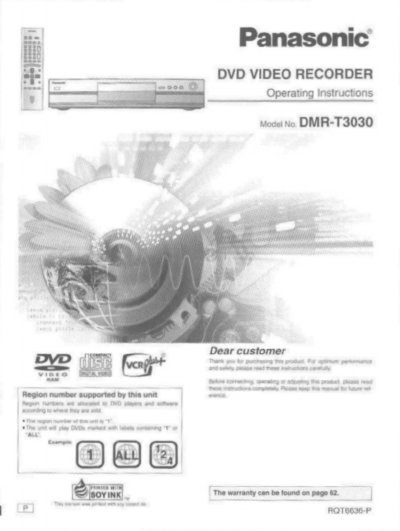
Panasonic DMR-T3030 DVD Video Recorder Operating Instructions


Panasonic DMR-T3030 DVD Video Recorder Operating Instructions - cover page
Brand
Panasonic
Category
Video Player
Document type
User Manual
Language
English
Pages
64
File format
PDF
File size
2.8 MB
Published
03 August, 2012
Updated
03 August, 2012
MD5 checksum
12B643F8A96AA5203CA7D0BE164B028E

About this manual

This document provides operating instructions for the Panasonic DMR-T3030 DVD video recorder. It details how to use the unit's various functions, including simultaneous recording and playback, time slip review, and creating custom DVD-Video discs from recorded content.

The manual covers safety precautions, accessory identification, and step-by-step procedures for installation and operation. It explains features such as Hybrid VBR encoding, Dolby Digital audio support, progressive scan output, and the use of different disc formats like DVD-RAM, DVD-R, and CD.

What's inside

  • Getting started
  • Safety instructions
  • Features
  • Discs you can use
  • Operation
  • Recording
  • Playback
  • Troubleshooting

Frequently asked questions

What is the maximum recording time on a double-sided DVD-RAM?

Using a double sided, 9.4 GB DVD-RAM allows you to record a maximum of 12 hours.

How long can I record using the XP high picture quality mode on a standard disc?

When using a 4.7 GB DVD-RAM or a DVD-R, you can get 1 hour recording using the XP high picture quality mode.

What is the maximum time range for setting the Time Slip feature?

The time slip button can be set between 1 minute and 360 minutes in units of one minute.

Download PDF (2.8 MB)

More Panasonic Manuals


View all Panasonic manuals →