
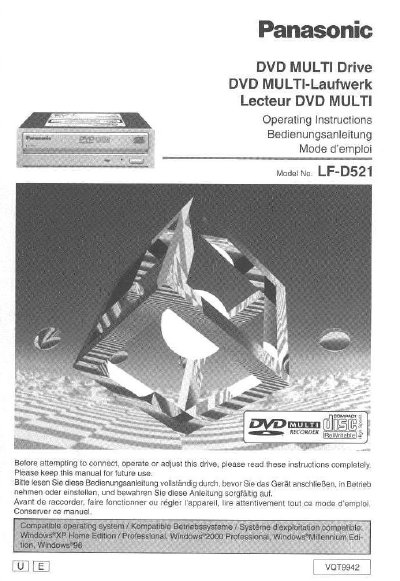
Panasonic LF-D521 DVD Multi Drive Operating Instructions


Panasonic LF-D521 DVD Multi Drive Operating Instructions - cover page
Brand
Panasonic
Category
Other Computer Accessories
Document type
User Manual
Language
English
Pages
160
File format
PDF
File size
5.9 MB
Published
03 August, 2012
Updated
03 August, 2012
MD5 checksum
F5941A2DB5D9271D79B59EFB1A340451

About this manual

This manual provides operating instructions for the Panasonic LF-D521 DVD Multi Drive. It covers safety notices, getting started with kit contents and features, and detailed steps for connecting the drive to a computer via internal cables or sound boards. The document includes specific guidance on installing jumper pins and handling both horizontal and vertical installations.

What's inside

  • IMPORTANT SAFETY NOTICE
  • Getting Started
  • Settings and connections
  • Inserting DVD-RAM, DVD-R and other discs
  • DVD-RAM driver software installation
  • Using B's Recorder GOLD5 BASIC
  • Troubleshooting
  • Specifications

Frequently asked questions

What is the model number of this Panasonic DVD Multi Drive?

The model number for this drive is LF-D521.

Which regions are the LF-D521U and LF-D521E models intended for?

The LF-D521U model is for the U.S.A. and Canada, while the LF-D521E model is for Europe and Oceania.

What operating system are the screen examples in this manual based on?

The screen examples shown in the manual are from Windows XP unless otherwise indicated.

Download PDF (5.9 MB)

More Panasonic Manuals


View all Panasonic manuals →