
Panasonic LF-D321 DVD-RAM/R Drive Operating Instructions

This manual is the operating instructions for the Panasonic LF-D321 DVD-RAM/R drive. It introduces the connection, operation, and adjustment of the drive.
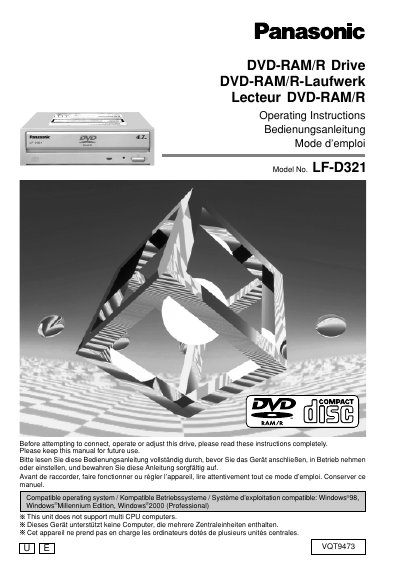

Panasonic LF-D321 DVD-RAM/R Drive Operating Instructions - cover page
Brand
Panasonic
Category
Other Computer Accessories
Document type
User Manual
Language
English
Pages
156
File format
PDF
File size
3.7 MB
Published
03 August, 2012
Updated
30 September, 2023
Model
LF-D321
MD5 checksum
D2B262D65C7C1D95D46955DCF93C4A9C

About this manual

This manual provides operating instructions for the Panasonic LF-D321 DVD-RAM/R drive. It covers safety notices, kit contents, and features before guiding users through installation and connection procedures. The document details how to change jumper pin settings and connect the drive to a computer and sound boards.

What's inside

  • IMPORTANT SAFETY NOTICE
  • Getting Started
  • Settings and connections
  • Inserting DVD-RAM, DVD-R and Other Discs
  • Driver software installation
  • Using DVD-RAM discs
  • Using DVDRgn
  • Using RAMDiscTool
  • Using FileSafe
  • Using DVD Agent

Specifications

Compatible operating systemWindows 98, Windows Millennium Edition, Windows 2000 (Professional)
CPU supportDoes not support multi CPU computers

Frequently asked questions

Which operating systems are compatible with this drive?

The drive is compatible with Windows 98, Windows Millennium Edition, and Windows 2000 (Professional).

Does this drive support multi-CPU computers?

No, this unit does not support multi-CPU computers.

Download PDF (3.7 MB)

More Panasonic Manuals


View all Panasonic manuals →