
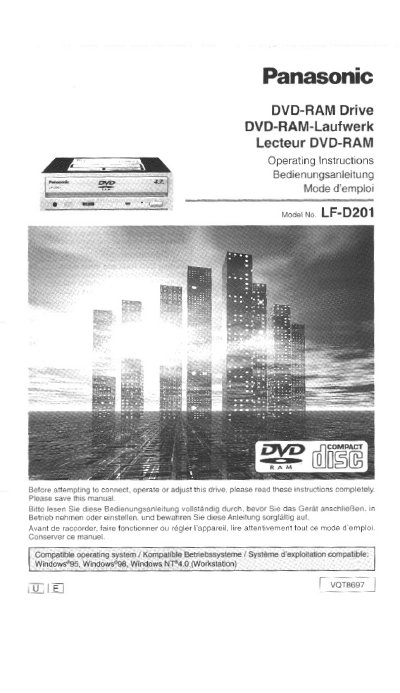
Panasonic LF-D201 DVD-RAM Drive Operating Instructions


Panasonic LF-D201 DVD-RAM Drive Operating Instructions - cover page
Brand
Panasonic
Category
Other Computer Accessories
Document type
User Manual
Language
English
Pages
100
File format
PDF
File size
4 MB
Published
03 August, 2012
Updated
03 August, 2012
MD5 checksum
0C5DDD29F2FEF641FCB66A6F13532C7C

About this manual

This manual provides operating instructions for the Panasonic LF-D201 DVD-RAM drive. It covers safety notices, installation procedures including SCSI connections and jumper settings, and software installation steps. The guide also details how to use various disc formats and specific Panasonic software utilities like DVDRgn and FileSafe.

What's inside

  • IMPORTANT SAFETY NOTICE
  • Kit Contents
  • Features
  • Settings and connections
  • Inserting DVD-RAM and other discs
  • Software installation
  • Using DVD-RAM discs
  • Support utilities
  • Troubleshooting
  • Specifications

Frequently asked questions

What operating systems are compatible with the Panasonic LF-D201 drive?

The drive is compatible with Windows 95, Windows 96, and Windows NT 4.0 Workstation.

What precautions should be taken before operating the drive?

You must read the instructions completely and save the manual before attempting to connect, operate, or adjust the drive.

Download PDF (4 MB)

More Panasonic Manuals


View all Panasonic manuals →