
Panasonic DVD-S35/S31A/S31 Operating Instructions

This is a user manual for DVD-S35 player
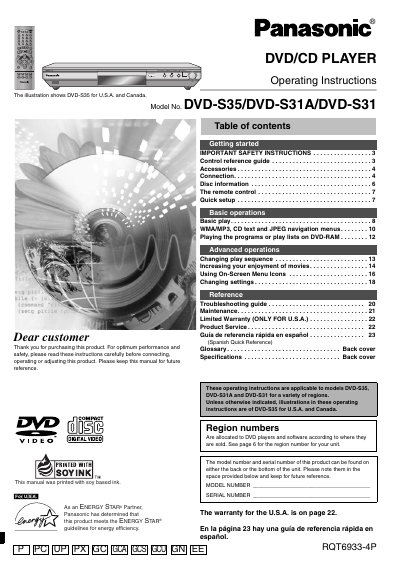

Panasonic DVD-S35/S31A/S31 Operating Instructions - cover page
Brand
Panasonic
Category
Video Player
Document type
User Manual
Language
English
Pages
24
File format
PDF
File size
1.3 MB
Published
03 August, 2012
Updated
30 September, 2023
MD5 checksum
44E1F6F52BD9640E1A70615804FCFB7F

About this manual

This manual provides operating instructions for the Panasonic DVD-S35, DVD-S31A, and DVD-S31 DVD/CD players. It includes safety instructions, a control reference guide, and setup procedures for connecting the unit to audio and video equipment. The guide also explains how to play various disc formats, including DVD-RAM, WMA/MP3, and CD Text, as well as how to use the remote control and on-screen menu icons.

What's inside

  • IMPORTANT SAFETY INSTRUCTIONS
  • Control reference guide
  • Accessories
  • Connection
  • Disc information
  • The remote control
  • Quick setup
  • Basic operations
  • WMA/MP3, CD text and JPEG navigation menus
  • Changing settings

Frequently asked questions

What is the intended use of this product?

This product is a DVD/CD player designed for playing discs.

Where can the model and serial numbers be found?

The model number and serial number can be found on the back or the bottom of the unit.

What happens when the unit is in standby mode?

In standby mode, the unit is still consuming a small amount of power.

Download PDF (1.3 MB)

More Panasonic Manuals


View all Panasonic manuals →