
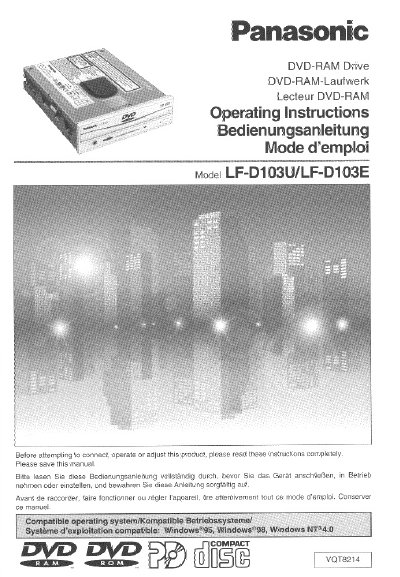
Panasonic LF-D103U/ALF-D103E DVD-RAM Drive Operating Instructions


Panasonic LF-D103U/ALF-D103E DVD-RAM Drive Operating Instructions - cover page
Brand
Panasonic
Category
Other Computer Accessories
Document type
User Manual
Language
English
Pages
92
File format
PDF
File size
3.4 MB
Published
03 August, 2012
Updated
03 August, 2012
MD5 checksum
631C98A6001A153186097CDBBC5AAC6D

About this manual

This manual provides operating instructions for the Panasonic LF-D103U/ALF-D103E DVD-RAM drive. It includes safety notices, setup procedures, and detailed guidance on using various disc types including DVD-RAM, PD Cartridges, and standard CD/DVD discs.

The document covers installation steps such as SCSI connecting and jumper pin settings. It also details the use of supplied application software like MPEG1 Coder, FileSafe, MediaSafe, DVDRgn, and DVD Agent for compression, backup, copying, and region setting.

What's inside

  • IMPORTANT SAFETY NOTICE
  • LASER PRODUCT
  • Getting Started: Kit Contents
  • SCSI Connecting
  • Jumper pin Setting
  • Installing Driver software/Format software
  • Using a DVD-RAM Disc
  • Using a PD Cartridge
  • About the Supplied Application Software
  • Troubleshooting

Frequently asked questions

What is the model number of this DVD-RAM drive?

The model number for this unit is LF-D103U/ALF-D103E.

What should you do before attempting to operate the drive?

You must carefully study the operating instructions and note the listed precautions.

What happens if unauthorized changes are made to this equipment?

Any unauthorized changes or modifications would void the user's authority to operate the device.

Download PDF (3.4 MB)

More Panasonic Manuals


View all Panasonic manuals →