
This manual provides operating instructions for the SC-PT760/SC-PT960/SC-PT954 home theater sound system. It includes information on connecting, operating, and adjusting the system as well as troubleshooting tips.
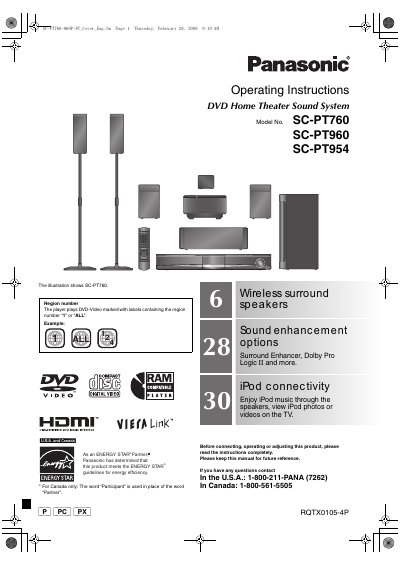
This manual provides operating instructions for the Panasonic SC-PT760, SC-PT960, and SC-PT954 DVD Home Theater Sound Systems. It covers the complete setup process, including assembling the speakers, positioning them, connecting audio and video cables, and linking the digital transmitter. The guide also details how to prepare the remote control and perform a quick setup.
| Supported Region | 1 or ALL |
|---|---|
| Energy Standard | ENERGY STAR Partner |
| Sound Enhancement | Surround Enhancer, Dolby Pro Logic II |
| Connectivity | iPod connectivity |
The player plays DVD-Video discs marked with region numbers "1" or "ALL".
The system supports Surround Enhancer, Dolby Pro Logic II, and other sound enhancement options.
Yes, you can enjoy iPod music through the speakers and view photos or videos on the TV.