
The SC-PT464 is a DVD home theater sound system produced by Panasonic
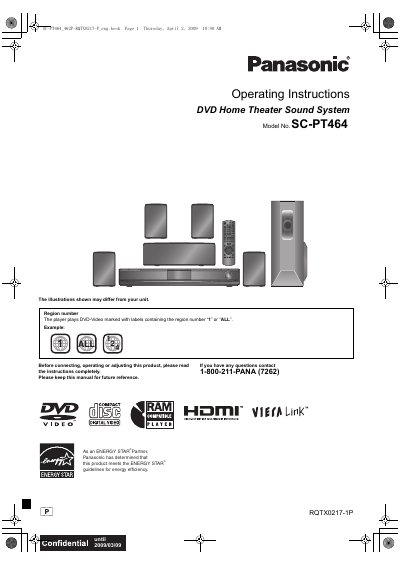
This document provides operating instructions for the Panasonic SC-PT464 DVD Home Theater Sound System. It includes safety warnings, a list of included accessories, and step-by-step guides for connecting speakers, audio/video cables, and power. The manual details how to use the remote control and main unit to select playback sources, tune radio stations, and adjust sound settings.
| System Model | SC-PT464 |
|---|---|
| Main Unit Model | SA-PT464 |
| Front Speakers | SB-HF470 |
| Center Speaker | SB-HC470 |
| Surround Speakers | SB-HS470 |
| Subwoofer | SB-HW460 |
The player plays DVD-Video marked with labels containing the region number “1” or “ALL”.
Yes, operations described with the remote control can be performed on the main unit if the controls are the same.
The system supports various sound modes including Whisper-mode Surround and other selectable sound modes.