
This document provides operating instructions for the Panasonic SC-PT665 DVD Home Theater Sound System. The system features a big diameter speaker, iPod connectivity, and sound enhancement options such as Surround Enhancer and Dolby Pro Logic II.
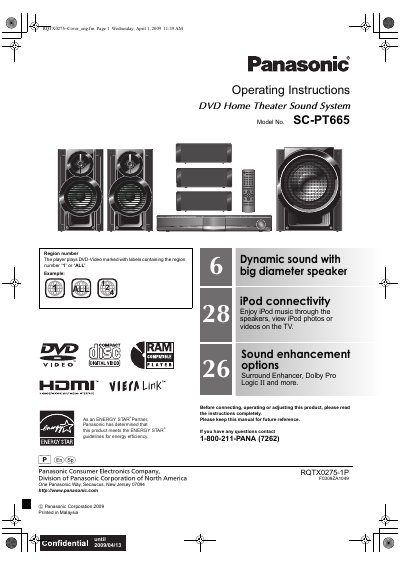
This manual provides operating instructions for the Panasonic SC-PT665 DVD Home Theater Sound System. It includes safety information, a list of accessories, and step-by-step guides for simple setup, including positioning and cable connections.
The document details how to use the main unit and remote control for various playback functions such as CDs, DVDs, data discs, and iPod connectivity. It also covers sound customization options like Dolby Pro Logic II, speaker level adjustment, and radio tuning.
| Product Type | DVD Home Theater Sound System |
|---|---|
| Region Compatibility | 1 or ALL |
No, the player only plays discs marked with region numbers '1' or 'ALL'.
You can enjoy iPod music through the speakers, view photos or videos on the TV.
The system includes Surround Enhancer, Dolby Pro Logic II, and more.