
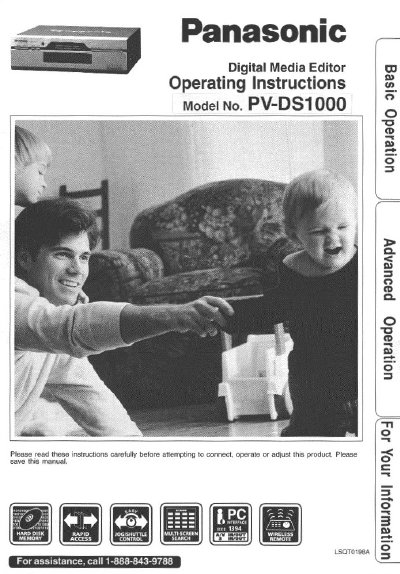
Panasonic PV-DS1000 Digital Media Editor Operating Instructions


Panasonic PV-DS1000 Digital Media Editor Operating Instructions - cover page
Brand
Panasonic
Category
Camcorders
Document type
User Manual
Language
English
Pages
84
File format
PDF
File size
2.7 MB
Published
03 August, 2012
Updated
03 August, 2012
MD5 checksum
C68A3655631AAEB3CFD9657DD4A67A40

About this manual

This manual provides operating instructions for the Panasonic PV-DS1000 Digital Media Editor. It details the installation of batteries, safety precautions, and basic connections required to use the device. The guide explains how to load pictures and videos, manage the multi-function display, and utilize the on-screen menu system for various editing tasks.

What's inside

  • Important Safeguards and Precautions
  • Accessories
  • Loading the Batteries
  • Index of Controls
  • Multi Function Display
  • MENU Display
  • SCENE ASSEMBLE menu
  • EDIT menu
  • Setting the Clock
  • Basic Connection

Frequently asked questions

What is the model number of this Digital Media Editor?

The model number for this unit is PV-DS1000.

What is the phone number for assistance?

You can call 1-888-843-9788 for assistance.

Download PDF (2.7 MB)

More Panasonic Manuals


View all Panasonic manuals →