
Panasonic SC-BT730 Blu-ray Disc Home Theater Sound System Easy Setting Guide

This is an instruction manual for a Blu-ray Disc Home Theater Sound System, which includes content on connecting, placing, and setting up the speakers.
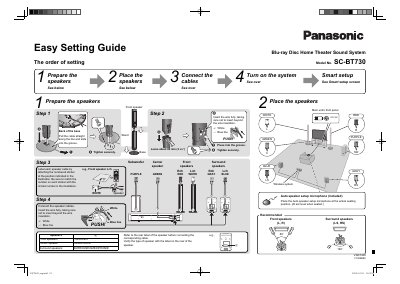

Panasonic SC-BT730 Blu-ray Disc Home Theater Sound System Easy Setting Guide - cover page
Brand
Panasonic
Category
Hi-Fi
Document type
Quick Start Guide
Language
English
Pages
2
File format
PDF
File size
1.5 MB
Published
03 August, 2012
Updated
30 September, 2023
MD5 checksum
C3C07E51D2B6760D1CE05FF9ACFF9870

About this manual

This document is an easy setting guide for the Panasonic SC-BT730 Blu-ray Disc Home Theater Sound System. It outlines the initial setup process, starting with preparing and placing the speakers in their correct positions relative to the main unit.

The guide details how to connect speaker cables using color coding or numbered stickers, specifically identifying connections for front, center, surround, and subwoofer speakers. It also covers connecting external devices like TVs via HDMI or optical audio, setting up a wireless system with an included microphone, and initiating the Smart Setup feature.

What's inside

  • Prepare the Place the Connect the Turn on the system
  • Smart setup
  • Speaker placement
  • Connecting speaker cables
  • Wireless system setup
  • Connect the cables (Rear panel)
  • Turn on the TV and System

Frequently asked questions

What length of wire should be left when inserting the speaker cable?

You should leave about 80 mm (3 82") of wire.

Where should the Auto speaker setup microphone be placed?

Place the microphone at the actual seating position at ear level when seated.

What household AC outlet specifications are required for this unit?

The unit requires a household AC outlet of AC 120 V, 60 Hz.

Download PDF (1.5 MB)

More Panasonic Manuals


View all Panasonic manuals →