
This document is the owner's manual for the SC-XH70 DVD Home Theater Sound System, providing instructions for use and safety guidelines.
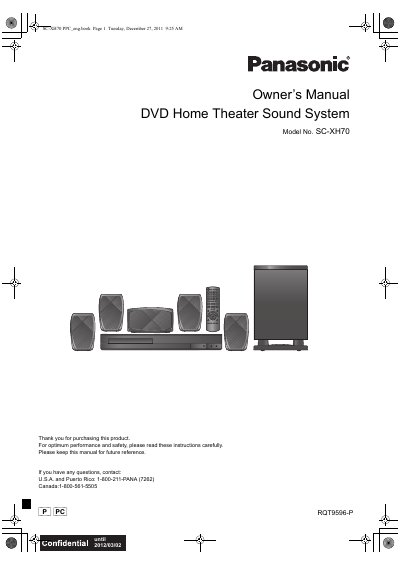
This document is the Owner's Manual for the Panasonic SC-XH70 DVD Home Theater Sound System. It covers system components, safety instructions, and a quick start guide for positioning and connecting the unit, including front, center, surround speakers, and a subwoofer. The manual details how to use the remote control, select sources like DVD, radio, and external inputs, and adjust audio settings such as volume, balance, and surround sound modes. It also includes instructions for TV linking, disc playback features, and basic maintenance.
| Product Type | DVD Home Theater Sound System |
|---|---|
| Model Number | SC-XH70 |
| Included Speakers | Front, Center, Surround, Subwoofer |
| Auto Power-Down | 30 minutes of inactivity |
The manual includes a section on presetting stations automatically, though specific button sequences for this feature are not detailed in the provided text.
The unit will automatically switch to standby mode after 30 minutes of inactivity to conserve power.