
Analog Devices ADuC831/832 DMA to XRAM Technical Note

Configure the DMA mode for ADuC831/832, store the ADC results in external SRAM
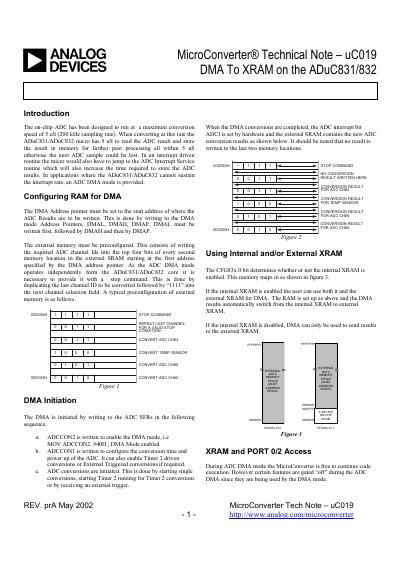

Analog Devices ADuC831/832 DMA to XRAM Technical Note - cover page
Brand
Analog Devices
Category
microcontrollers
Document type
Application Note
Language
English
Pages
5
File format
PDF
File size
670 KB
Published
03 August, 2012
Updated
30 September, 2023
MD5 checksum
26ED3F4AC432A2160176C1A38FC9A397

About this manual

The document describes a method for the ADuC831/ADuC832 microcontroller to handle high-speed ADC conversions (up to 200 kHz) without missing samples. It details how to configure RAM addresses and channel IDs to store results in external SRAM or internal XRAM using Direct Memory Access (DMA).

What's inside

  • Introduction
  • Configuring RAM for DMA
  • DMA Initiation
  • Using Internal and/or External XRAM
  • XRAM and PORT 0/2 Access
  • DMA 'C' Example

Frequently asked questions

What is the maximum ADC conversion speed for this microcontroller?

The on-chip ADC has been designed to run at a maximum conversion speed of 5 uS (200 kHz sampling rate).

How is the DMA mode enabled?

The DMA mode is enabled by writing to ADCCON2 with a specific value, such as MOV ADCCON2?, #40H.

Can the microcontroller core execute code during ADC DMA operations?

Yes, during ADC DMA mode the MicroConverter is free to continue code execution, though certain features like Port 0 and 2 access may be gated off.

Download PDF (670 KB)

More Analog Devices Manuals


View all Analog Devices manuals →