
This manual describes the operation of the UX-600M multifunction fax machine, including installation, initial settings, sending documents, receiving documents, copying, making telephone calls, connecting to an answering machine, special functions, optional settings, printing reports and lists, maintenance, and troubleshooting.
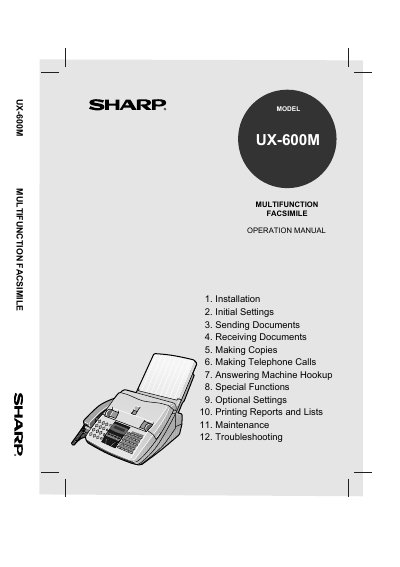
This document is the Operation Manual for the Sharp UX-600M multifunction facsimile. It provides instructions for initial setup, including connecting the telephone line and power, as well as installing the imaging film. The guide details how to enter user information and program the date and time.
You can place up to 20 pages face down in the document feeder.
The fax automatically answers after four rings in AUTO reception mode.