
UX-P200 operation manual, introduces the functions and usage of the device
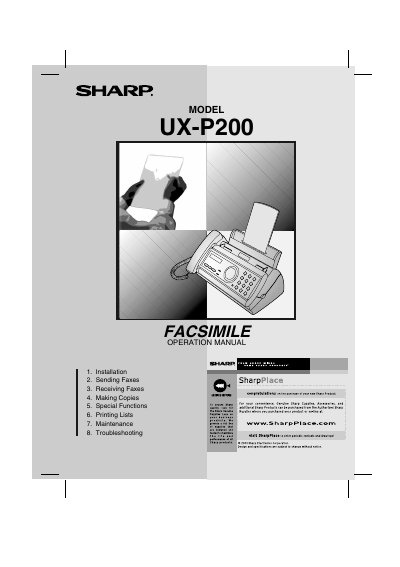
This document is the official operation manual for the Sharp UX-P200 thermal transfer facsimile machine. It guides users through setup, including unpacking, connecting the telephone line, loading imaging film and paper, and programming the device with name and fax number settings.
The manual details procedures for sending and receiving faxes, making copies, and utilizing special functions such as Caller ID and blocking unwanted faxes. It also includes troubleshooting guides for common problems, maintenance instructions, and ordering parts information.
| Memory size | 448 KB |
|---|---|
| Modem speed | 9,600 bps |
| Resolution (Standard) | 98 lines/inch |
| Resolution (Super fine) | 391 lines/inch |
| Paper tray capacity | Letter: Approx. 50 sheets |
| Power requirements | 120 V AC, 60 Hz |
| Operating temperature | 41 - 95°F (5 - 35°C) |
| Display | 16-digit LCD |
The memory can store approximately 24 average pages.
The paper tray can hold approximately 50 sheets of 20-lb. copier paper.
The maximum resolution setting is Super fine at 391 lines/inch.