
This manual introduces the operation method of UX-B20 product, including installation, sending fax, receiving fax, making copies, special functions, printing lists, maintenance and troubleshooting
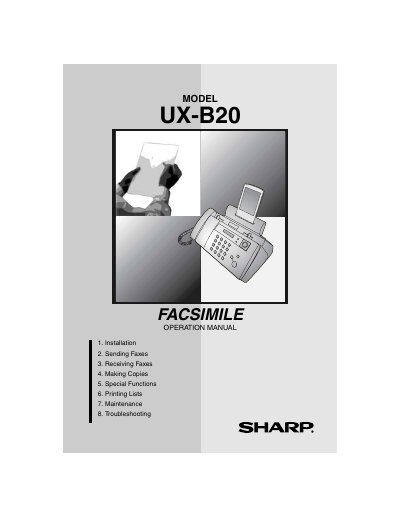
This document is the operation manual for the Sharp UX-B20 inkjet fax machine. It provides instructions on setting up the device, including unpacking, loading paper, connecting power and telephone lines, and entering user information such as name and fax number.
The guide details procedures for sending and receiving faxes using both normal dialing and automatic dialing modes. It also covers making copies, utilizing special functions like Caller ID and Distinctive Ring, printing lists, performing maintenance tasks to improve print quality, and troubleshooting common problems.
| Print resolution | 600 x 600 dpi |
|---|
The initial cartridge yields approximately 300 letter pages with Quality mode OFF or 200 letter pages with Quality mode ON.
No, this fax machine is not designed for use on a line which has call waiting or certain other special services.