
SHARP AL-1530CS AL-1540CS AL-1551CS Interactive Manual

This document provides instructions on how to use the online manual, as well as a guide to printing and scanning functions. It also includes troubleshooting and solutions for connection issues.
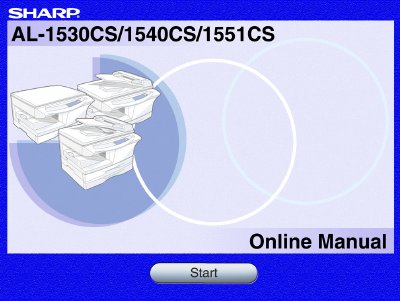

SHARP AL-1530CS AL-1540CS AL-1551CS Interactive Manual - cover page
Brand
Sharp
Category
Printer
Document type
User Manual
Language
English
Pages
37
File format
PDF
File size
1.9 MB
Published
02 August, 2012
Updated
29 September, 2023
MD5 checksum
76F3B48C9EB6C66B1F46A272C2E2061E

About this manual

This online manual provides instructions for operating the SHARP Personal MFP Series units, specifically models AL-1530CS, AL-1540CS, and AL-1551CS. It covers essential functions such as basic printing, scanning from TWAIN or WIA applications, and configuring printer driver settings including watermarks and N-up printing.

What's inside

  • How to Use the Online Manual
  • Printing Overview
  • Basic Printing
  • Starting the Printer Driver Using the Start Button
  • Printer Driver Settings
  • Printing a Watermark
  • Scanning Overview
  • Troubleshooting
  • Uninstalling SHARP Personal MFP Series Software

Frequently asked questions

Which models are covered in this manual?

This manual covers the AL-1530CS, AL-1540CS, and AL-1551CS models.

Which models support two-sided printing?

Two-sided printing is available only on the AL-1551CS model.

What operating system does this manual primarily illustrate?

The screen images and procedures in this manual are mainly for Windows XP.

Download PDF (1.9 MB)

More Sharp Manuals


View all Sharp manuals →