
This manual describes the operation of the MX-M260 MX-M310 digital multifunctional system, including preparation before use, copy functions, convenient copy functions, network scanner function, system settings (general), system settings (administrator), troubleshooting and maintenance, peripheral devices and supplies, etc.
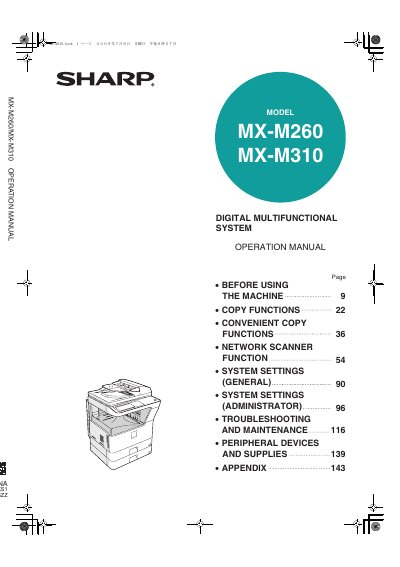
This manual provides comprehensive operating instructions for the Sharp MX-M260 and MX-M310 digital multifunctional systems. It covers essential procedures including power management, paper loading, and initial settings. The guide details various copy functions such as automatic two-sided copying, exposure adjustment, and special modes like margin shift and pamphlet copy.
| Document Type | Digital Multifunctional System |
|---|---|
| Models Covered | MX-M260, MX-M310 |
Exercise care in the fusing area as it is hot.
Wait 10 to 15 seconds before turning it back on.
Money, stamps, bonds, stocks, bank drafts, checks, passports, and driver's licenses.