
Sharp AR-351/355/451/455 Series Software Setup Guide

This file is a software setup guide for the SHARP 2660 laser printer, which introduces how to install printer drivers and utility software.
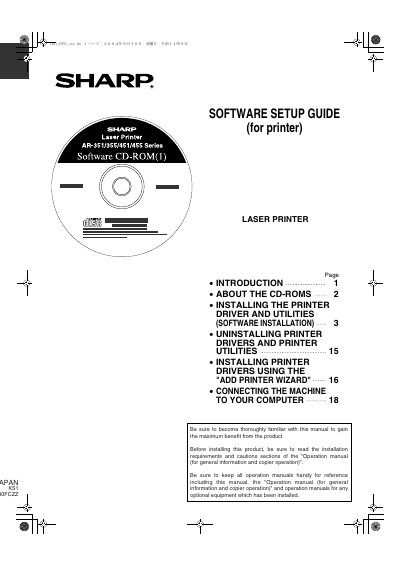

Sharp AR-351/355/451/455 Series Software Setup Guide - cover page
Brand
Sharp
Category
Printer
Document type
User Manual
Language
English
Pages
20
File format
PDF
File size
782 KB
Published
02 August, 2012
Updated
30 September, 2023
MD5 checksum
27644F7746D91DD707CF2B6EC61BD6CC

About this manual

This manual provides instructions for installing the software required to use the printer function of Sharp Laser Printers in the AR-351, AR-355, AR-451, and AR-455 Series. It details the contents of two accompanying CD-ROMs containing drivers, utilities, and online manuals.

What's inside

  • Introduction
  • About the CD-ROMs
  • Installing the Printer Driver and Utilities
  • Uninstalling Printer Drivers and Printer Utilities
  • Installing Printer Drivers Using the Add Printer Wizard
  • Connecting the Machine to Your Computer

Frequently asked questions

What operating systems are supported for installing the printer driver?

The supported operating systems are Windows 95, Windows 98, Windows Me, Windows NT 4.0, Windows 2000, Windows XP, and Windows Server 2003.

Is the PS3 Expansion Kit required to print from a Macintosh environment?

Yes, the optional PS3 Expansion Kit is required to print from a Macintosh environment.

Download PDF (782 KB)

More Sharp Manuals


View all Sharp manuals →