
Sharp VE-CG40U Digital Still Camera Operation Guide

This manual describes the basic operations and advanced features of the VE-CG40U digital camera.
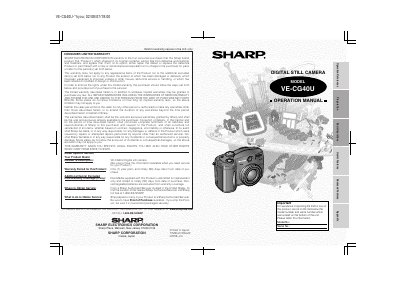

Sharp VE-CG40U Digital Still Camera Operation Guide - cover page
Brand
Sharp
Category
Digital cameras
Document type
User Manual
Language
English
Pages
84
File format
PDF
File size
7.6 MB
Published
02 August, 2012
Updated
30 September, 2023
Model
VECG40U
MD5 checksum
194A565A7BF5BC065FEAA01CCA71AED3

About this manual

This manual provides instructions for operating the Sharp VE-CG40U digital still camera. It covers essential safety precautions, setting up power sources (batteries or AC), and inserting memory cards. The guide explains how to capture still and motion images using various shooting modes like Auto Mode, Macro Shot, and Quick Shot.

What's inside

  • Important Safeguards
  • Supplied Accessories
  • Precautions
  • Quick Start
  • Operation References
  • Part Names
  • On-screen Display Index
  • Warning Indicators
  • Turning the On-screen Display and Backlight On/Off
  • Remaining Battery Power Display

Frequently asked questions

What is the resolution of the LCD panel?

The LCD panel has more than 134,000 thin-film transistors.

Where can I find the model and serial numbers?

They are located on the bottom of the unit.

Download PDF (7.6 MB)

More Sharp Manuals


View all Sharp manuals →