
This manual describes general information and copier operation of MX-M550U, MX-M620U, MX-M700U, MX-M550N, MX-M620N, MX-M700N multifunction digital copiers.
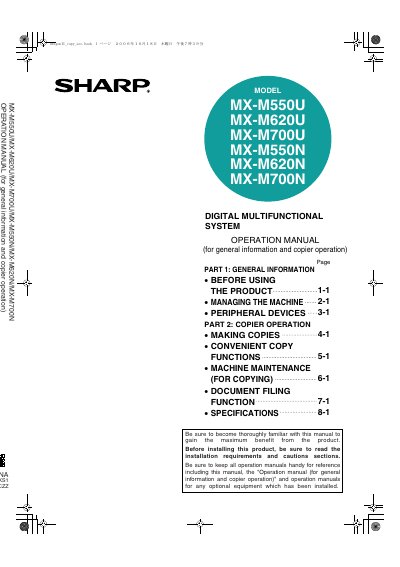
This manual provides general information about the Sharp MX-M550U/MX-M620U/MX-M700U/MX-M550N/MX-M620N/MX-M700N digital multifunctional system. It includes safety information, instructions for loading paper, removing misfeeds, and regular maintenance procedures. The document also explains how to use the copy and document filing functions of the machine.
The package includes an administrator settings guide, a software setup guide, and operation manuals for printer and image send functions available as PDF files on the CD-ROM.
Using the network scanner function requires a network expansion kit, while using the Internet fax function additionally requires an Internet fax expansion kit.
Users are encouraged to reorient or relocate the receiving antenna, increase separation between the equipment and receiver, connect to a different circuit outlet, or consult an experienced technician.