
SHARP AR-M162E AR-M207E Operation Manual Suite

This manual provides detailed information on how to use the AR-M162/AR-M207 digital multifunctional system, including product functions, operating instructions, troubleshooting and maintenance methods.
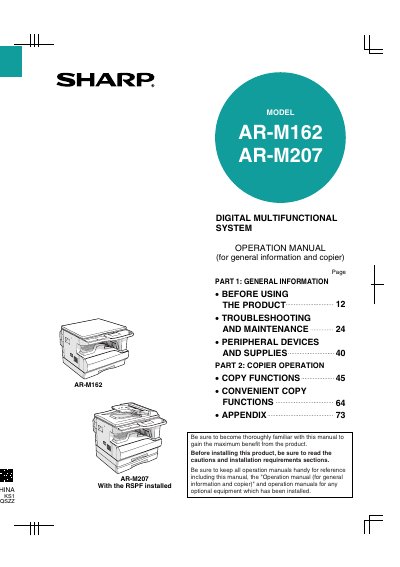

SHARP AR-M162E AR-M207E Operation Manual Suite - cover page
Brand
Sharp
Category
Printer
Document type
User Manual
Language
English
Pages
160
File format
PDF
File size
7.5 MB
Published
02 August, 2012
Updated
30 September, 2023
MD5 checksum
B9A933723635F2AD89A36ABE7637E079

About this manual

This manual provides instructions for the Sharp AR-M162 and AR-M207 digital multifunctional systems. It covers general information, including cautions, installation requirements, and product configurations. The document details how to operate the machine in copy, print, scan, and fax modes, as well as how to load paper and use various peripheral devices.

What's inside

  • General Information
  • Before Using the Product
  • Troubleshooting and Maintenance
  • Peripheral Devices and Supplies
  • Copier Operation
  • Convenient Copy Functions
  • Specifications

Specifications

Copying speed (AR-M162)16 copies/min.
Copying speed (AR-M207)20 copies/min.

Frequently asked questions

What should I do for complete electrical disconnection?

Pull out the main plug.

How long should I wait before turning the machine back on after turning it off?

Wait 10 to 15 seconds.

What items are normally prohibited from copying by national law?

Money, stamps, bonds, stocks, bank drafts, checks, passports, and driver's licenses.

Download PDF (7.5 MB)

More Sharp Manuals


View all Sharp manuals →