
The document explains the fax function of the AR-M230/M270 Series multifunction printer and provides instructions for using the fax function. It also introduces the feature of storing fax destinations in the Web page when the printer expansion kit is installed. Additionally, it mentions important information for AR-M256/AR-M257/AR-M258/AR-M316/AR-M317/AR-M318/AR-5625/AR-5631/MX-M260/MX-M310 users.
This manual explains how to use fax functions on Sharp AR-M257, AR-M317, MX-M260, and MX-M310 models. It covers adding destinations via web page, disabling direct fax number entry, and system settings. Users of MX-M260 and MX-M310 should also consult the specific section for their model’s operation panel differences and key operator program changes.
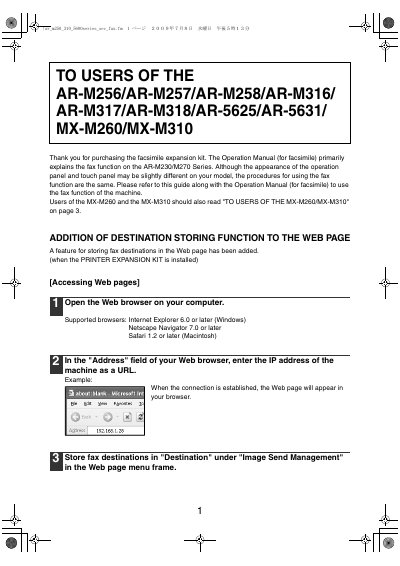
Store fax destinations in "Destination" under "Image Send Management" in the Web page menu frame.
Touch the checkbox to select the "DISABLE OF FAX NUMBER DIRECT ENTRY" program to prohibit dialing by direct entry with numeric keys.
The factory default setting for the administrator password is 00000.