
This manual introduces the basic use of the AR-M208 multi-function copier, including initial setup, copying, image adjustment, troubleshooting, etc.
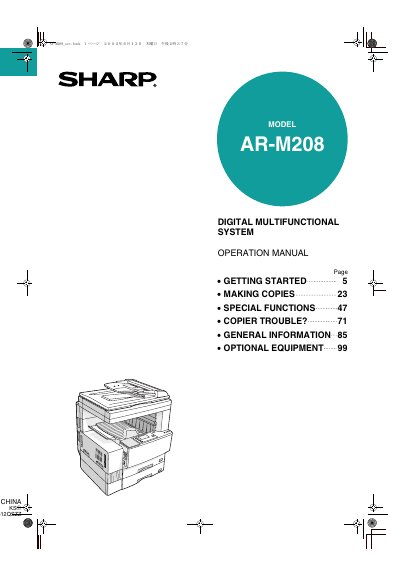
This document serves as the Operation Manual for the Sharp AR-M208 Digital Multifunctional System. It is designed to guide users through the basic and advanced features of the copier, including getting started, making copies, and utilizing special functions like sorting and margin shifting. The manual also addresses troubleshooting for misfeeds and minor problems, as well as general maintenance tasks such as toner replacement and cleaning.
| Product Type | Digital Multifunctional System |
|---|---|
| Model Number | AR-M208 |
This manual contains explanations of the product and procedures for using the unit as a copier.
Yes, this copier can be used as a network laser printer.
The copier can be used as a facsimile machine and a scanner by installing optional components.